Tag: Sample Manager
What is Sample Tracking?
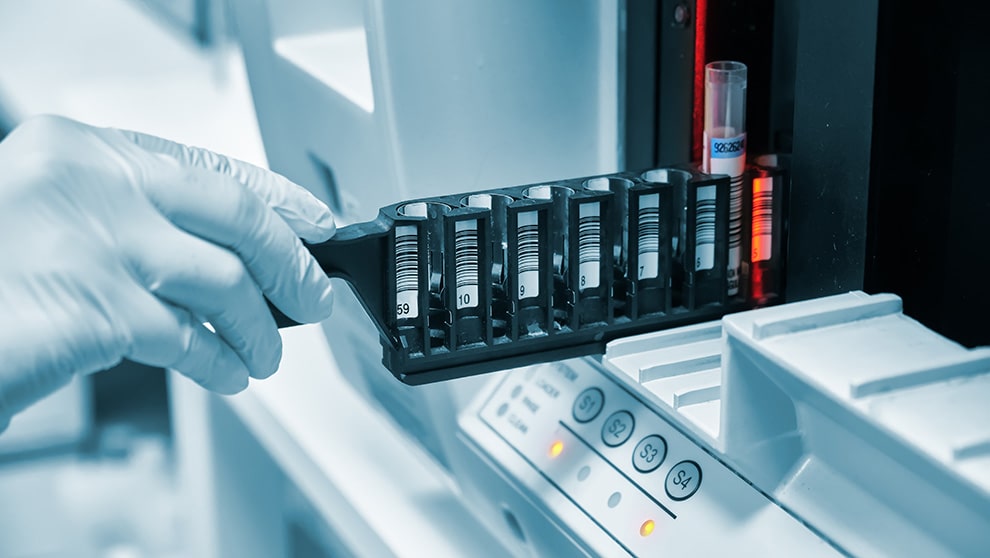
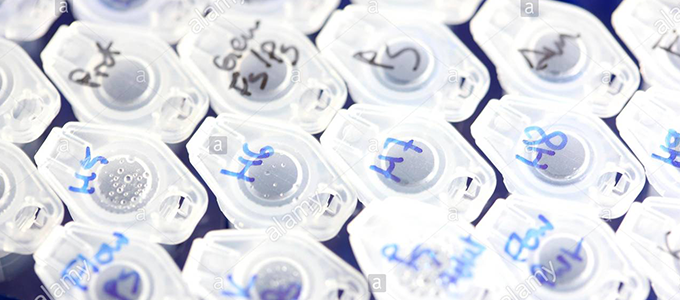 Sample tracking is knowing the “what, where and why” of your lab samples.
What is sample tracking? Let’s start with a common scenario. A post-doc from two years ago collected a few dozen samples that would be really valuable to re-analyze with your new lab toy. But where are those samples? You could consider trying to regenerate the samples rather than finding them in your freezer. But then you realize you don’t have that strain of mice anymore, so you go searching.
First, you go to their old notebooks and see if you can track them down. After searching in several notebooks, you find that they stored them in the -80C in a box called “My samples”. So, you look through your freezers to finally find the box, and see that they are labelled with a date (yay!) and a numeric value 1-40. You go back to the lab notebook (which one was it again?!) and map these numeric values to the information stored in the notebook.
The scenario above is a concise example of how the right sample tracking procedures and sample management software could save time and resources.
Click here to learn how Sample Manager can help your lab.
Sample Tracking in the Lab
Accurate and efficient sample tracking is an important function of all well-organized labs. In order to identify, use and understand the context of a sample after it’s been collected, lab staff should at a minimum collect and notate the following information:
- the properties of the sample (name, unique ID, where it was derived from, volume, etc.)
- the location of the sample
- any activities or assays that the sample has been a part of
- the current status of a sample at any given time
Many labs are now capturing this information electronically, whether it’s via a spreadsheet or with a sample management system. Thoughtfully designed systems and procedures are key to making sample tracking an easy and efficient process, however, designating resources upfront for these efforts can be difficult to prioritize for some labs.
Tracking Samples with LabKey Sample Manager
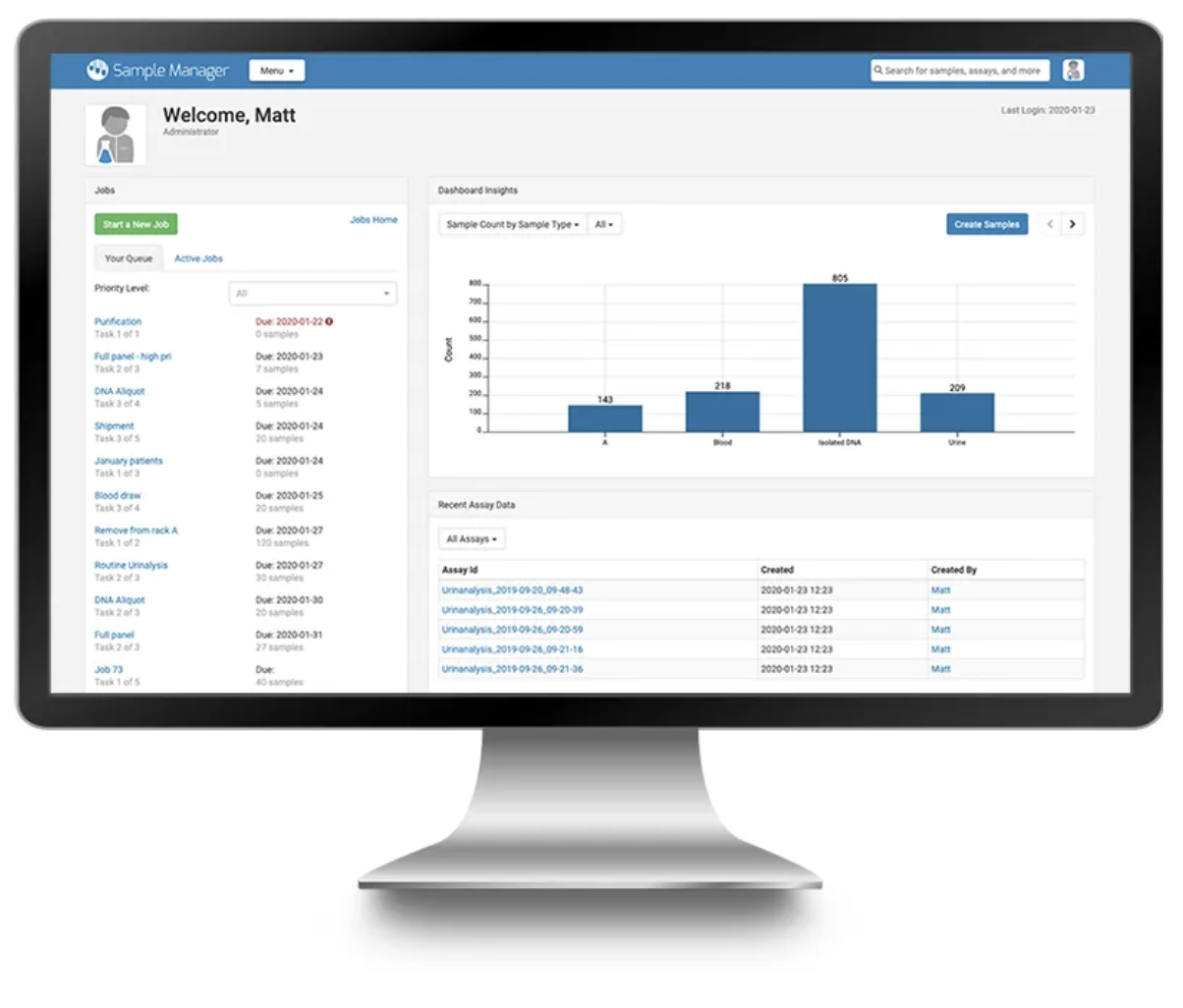 LabKey Sample Manager is an intuitively designed sample management application that brings ease and efficiency to sample tracking. The application has various features to assist in sample tracking including:
Sample Timeline – Track chain-of-custody and events for a samples such as assays performed, volume changes, and inclusion in workflow jobs.
Sample Sources – Assign sources to a sample to better understand the broader picture of the sample within the laboratory, experiment or study.
Sample Types – Organize samples by type and add data fields for that type to describe attributes of samples for easy tracking.
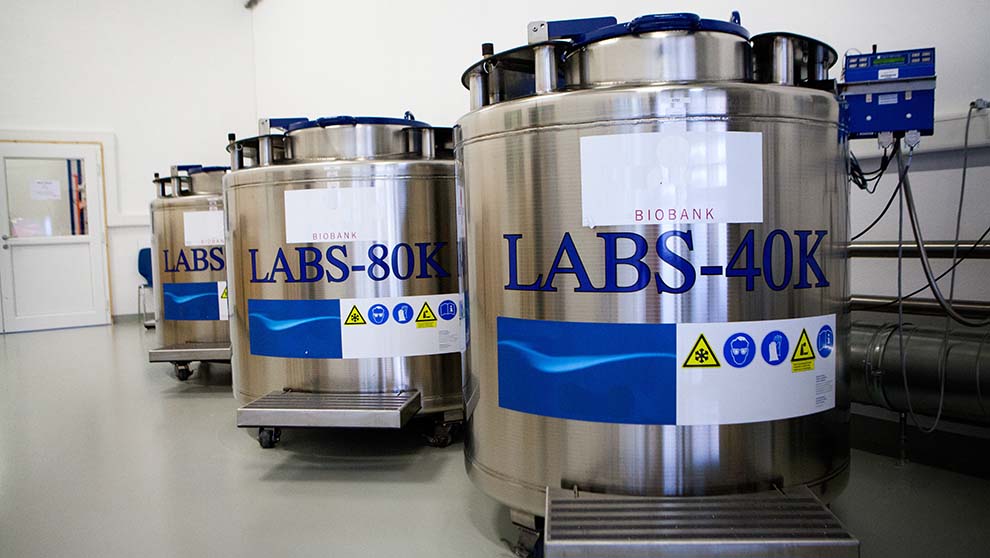
Freezer Management – Track the storage location of samples and freezer capacity.
Unique Sample IDs and Naming Patterns – Each sample in the system is required to have a unique name/id within its sample type. You can either choose the unique ID yourself or have it generated by the system using a naming pattern that can be customized by an administrator.
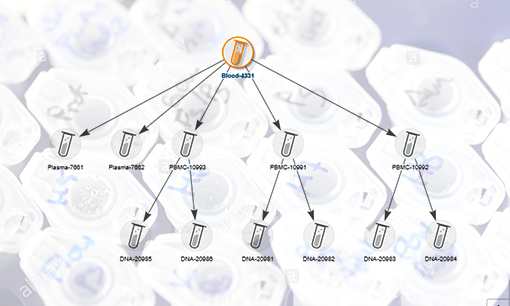
Tools for Tracking Sample Lineage – Sample Manager includes a lineage graph that provides a visual representation of the parentage of samples as well a lineage grid can be helpful when viewing lengthy lineages or derivation histories.
Click here to take a tour of Sample Manager!
Cool and Collected: Essentials of Lab Freezer Organization
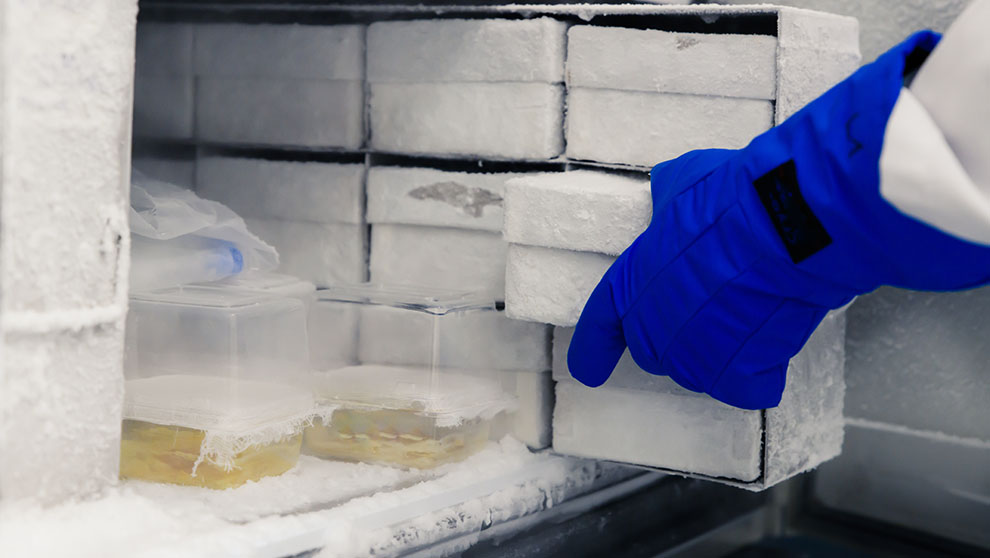
Three Reasons Freezer Management Software is Vital
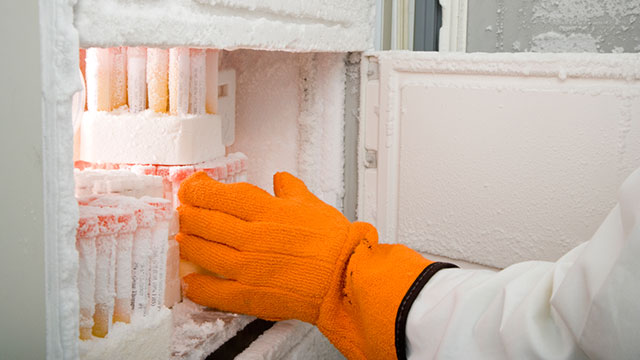
If you’ve worked in a lab, you’ve likely used some form of freezer management to manage your sample storage. For some labs, this may simply be a paper lab notebook where freezers, boxes, and sample locations are annotated. Others may periodically update an Excel file with samples stored in the freezer and place a print out of the spreadsheet on the freezer itself. However, for truly efficient and organized labs, nothing beats having freezer management software to manage your freezer capacity and sample inventory. Below are 3 key reasons why you need software to manage your lab freezer storage.
1. Your samples are precious and should be treated that way.
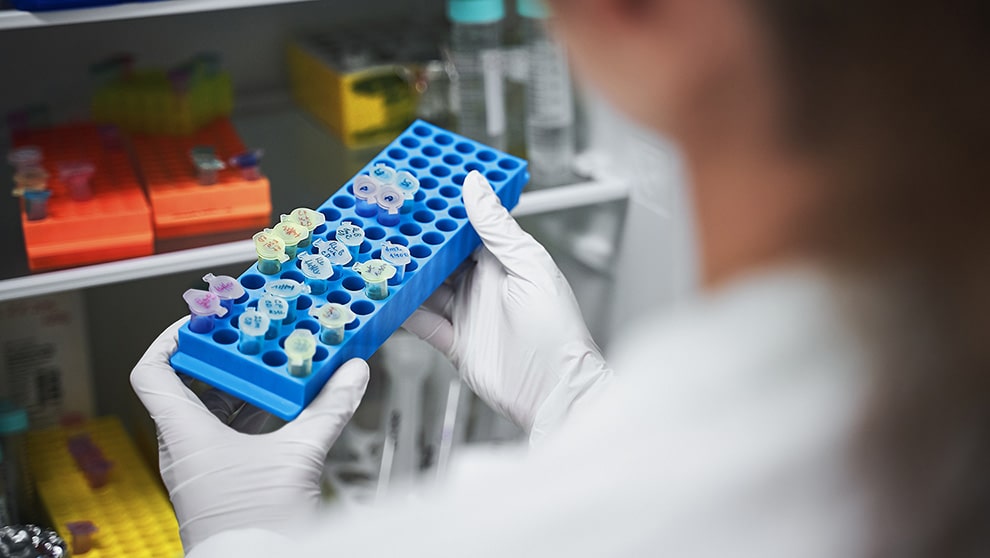
Samples can be one of the most precious things in the lab, sometimes they are even irreplaceable. The time spent collecting, processing, and collecting data from samples means they are valuable not only to your research but also to the cost efficiency of your lab. Misplacing and looking for lost samples can be a huge waste of time for laboratory staff and even more so if the samples are never found. Using freezer management software ensures that your freezers are kept organized and reduces the chances that you will misplace valuable samples.
2. Excel and paper-based freezer management can’t keep up with busy labs.
Although Excel and paper-based systems may be able to keep up with the needs of a very small lab, they are very difficult to keep updated with accurate information and definitely don’t meet the needs of larger or growing labs. Busy staff in the lab will need to manually/visually judge freezer capacity, update multiple sheets and samples when making simple changes, and have to manually keep track of sample volumes and freeze/thaw counts. This method of freezer management is highly prone to errors from day-to-day use not to mention during scheduled clean-outs and organization of the freezer.
3. Complete and accurate auditing is nearly impossible without freezer management software.
Auditing and organizing your samples is a much easier task with freezer management software. You’ll have a full record of all check-in/check-out events for samples, by which staff, and a full history of the location and movement of samples in the freezer. This level of completeness and accuracy is much more difficult to achieve using paper or excel. Freezer management software captures all of the information you need for a comprehensive audit of your freezer storage and samples.
Freezer Management with LabKey Sample Manager
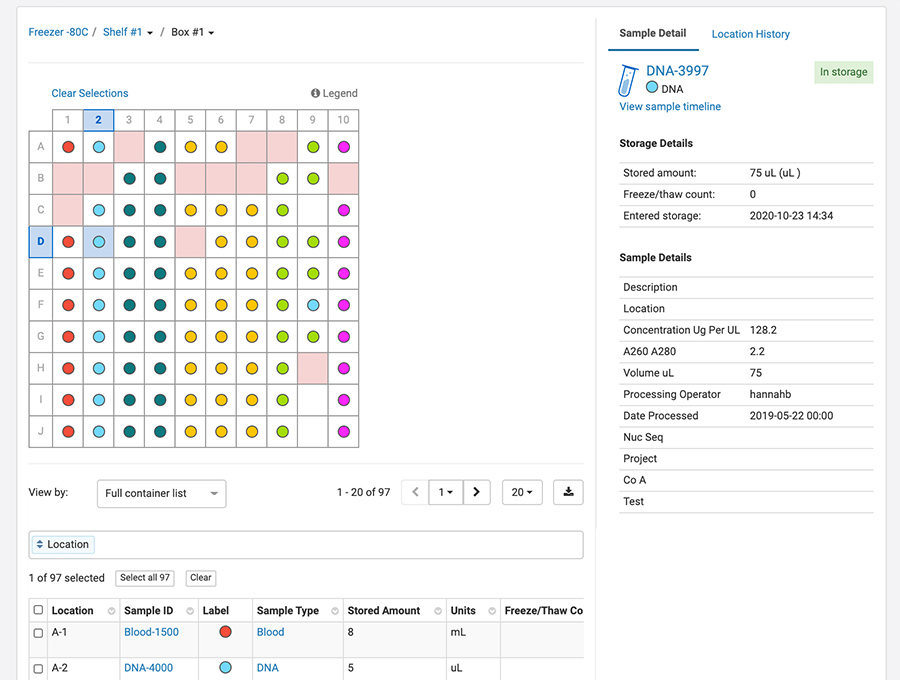
With Sample Manager, we have introduced a sample-centric freezer management solution into the application. This means you can create samples, add metadata and lineage information, perform work and even upload assay data — all without having to use the freezer management tool. Of course, if you plan to store your samples, freezer management is there to help by:
- Managing your freezer with an end-to-end sample tracking system that stores the entire sample history and chain of custody in one place
- Providing a customizable, flexible structure to accurately reflects the physical freezers in your lab
- Tracking samples in and out of the freezer (freeze/thaw counts) and automatically calculating and tracking sample volumes
- Helping you to easily find samples in the freezer and move samples between freezers
- Tracking and maintaining full audit logs of the freezer and of the samples
The best way to encourage users to adopt a new system is by providing them with benefits that actually help them- save them time, make tasks simpler, etc. Additionally, when a system becomes the primary source of truth for team members, it becomes easier to adopt because that’s where the information lies. Click here to learn more about our freezer management solution.
Upgrade Your Freezer Management System Without the Pain
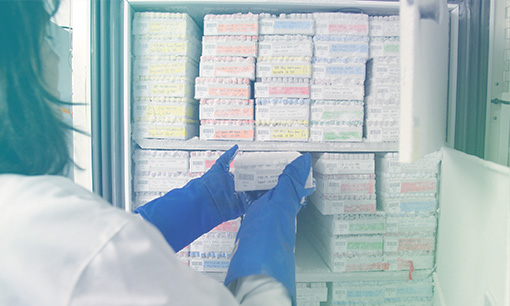
Migrating data from a freezer management system can be hard. So difficult in fact, that many labs continue to use an outdated system long after it is no longer serving their needs. Sometimes, the legacy system has even become a hindrance to sample management operations. However, this shouldn’t deter you from taking on the challenge of upgrading your freezer management software and reaping the rewards of improved organization and management of your lab samples. Below are a few tips for a painless switch to a new freezer management system.
 Plan and prepare for your new freezer management system.

Develop a plan for migrating to your new system that includes a timetable for which freezer data will be migrated, and roles/responsibilities during the process. Make that your team is trained on the new system and that you are communicating clearly throughout the process.
Backup your legacy data.
Before anything, it’s important to have a backup of data for record-keeping and disaster recovery. During the migration process, this backup will serve as a record of your legacy system data- some of which may not transfer over to the new freezer management system. Create system-wide backups for recovery, but also human-readable backups for data mining if an unlikely event happens.
Determine what will be migrated.
Take this as an opportunity to clean up legacy data and items in the freezer. This might even be a good time to defrost and clean your freezers if they are not on a regular defrosting schedule. Focus on the essential samples and related data to keep your system and your freezers clutter-free. For each sample type, determine the list of fields exported from the legacy system and how they will map to the new system. Document data types, field validation (required fields or a specific range of values), and any other requirements such as relationships between samples and sources.
Utilize your resources – ask for help.
Many vendors offering freezer management system offer migration services, so ask for help! If the system you’re moving to doesn’t offer this, consider hiring a consultant or contractor to help if your team members are too busy or you need advice. When choosing a system, make sure to consider the support you will need to implement your new system.
LabKey Sample Manager provides:
- Easy, straightforward data import format to register your samples and their locations in a single step
- Unlimited user-defined fields allow teams to capture any data necessary
- Migration services and customer support when needed
Click Here to learn more and take a tour!
Exploring the Difference Between Biorepositories and Biobanks
Essential Software Considerations for Tracking Biological Samples
Specimen Tracking for Biobanks
NIH Data Management & Sharing Policy

The biologics development process is a data-driven endeavor. A vast amount of data is generated from many teams with the hopes of answering questions and informing decision-making along the way. Centralizing this data and their analyses across experiments amplifies the power and impact that data has on biologics research and development.
Of course, centralizing biologics assay data means much more than simply storing data in the same place. Data centralization increases the value of biologics data beyond one particular experiment or result by defining data relationships. The ability to aggregate data across multiple samples, assays, and experiments, with metadata describing the relationship of all of these to each other, is where modern data science resides. Whereas the analysis of a single value from a single assay shows a distribution, joining that assay with others reveals a richer data landscape that is ripe for analysis. These data landscapes yield even more insights when they are related to one another across many controlled variables and conditions.
Below are more ways that implementing tools and strategies for data centralization can impact the speed and efficiency of biotherapeutic development.
Data Integrity
Having a single source of truth for data makes it easier for organizations to track how (and by whom) data is generated, accessed, and modified. With the assistance of a biologics data management application serving as a central hub- permissions, auditing, and backups provide control over how, when, where, and by whom data is used. Centralization of data also encourages standardization of data formats across research teams. Standardizing data structures helps validate the data being entered and helps preserve the relationships between data. This leads to downstream efficiency and maximizes the utility of experiments beyond the individual or team from which it was derived.
Collaboration
Centralizing biologics research data also helps promote collaboration between research teams. By storing data in one central location in standardized formats, scientists can easily find, compare and reference existing data in their research. A central repository for data also makes it much easier to see what data is missing or needed to inform decisions. Hand-offs of data are also made easier when all data is centrally stored.
About our Biologics LIMS
LabKey Biologics provides researchers with a set of tools to centralize biological entity registration, workflow management, and data exploration.
- Bioregistry – Register and track molecular entities, nucleotide sequences, protein sequences, expression systems, constructs, vectors, and cell lines
- Biologics Assay Management – Connect design data to related multi-dimensional assay results for a complete data landscape.
- Biologics Workflow Manager – Centrally manage biologics development workflows to help your team collaborate
- Electronic Lab Notebook – Highlight and connect your research entities and data with our biologics ELN
Click Here to take a tour of LabKey Biologics.
Clinical Sample Management & Compliance in the Lab
Clinical sample management requires laboratories to put a significant amount of thought and effort into record-keeping and reporting in order to meet compliance requirements.  Regardless of the type of compliance (HIPAA, Part 11, GLP, etc), managing clinical samples requires a commitment to actively maintain an audit ready-state. For many labs that are getting started with clinical sample management, this can be a daunting task. Check out the 3 tips below to get started.
Clinical Sample Management Compliance Tips
1. Traceability of Clinical Samples
Your staff should be able to the “what, when, how, who” of every human-derived sample in the lab. Sample tracking should include the capture of all details around the collection, receipt, storage, processing and handling samples.
What? – Document the type(s) of samples you will receive/create including the descriptive metadata that you want to collect for each sample type.
When? – Capture dates for all events in the lifecycle of a sample including when it was collected, received, processed, stored, and shipped.
How? – Track step-by-step how tasks were performed in the lab in relation to a sample. Utilize sample management software to capture SOPs in workflows and audit trails.
Who? – Capture who in the lab performed any work or handling of the samples. This is both valuable for accountability and troubleshooting.
2. Sample Identification & Barcoding
Clinical samples should have clear and unique identifiers that are appropriate to the laboratory type. Among other considerations, do your samples need to be de-identified for a specific laboratory or can they have PHI in the identifier? Do your naming patterns easily provide information and context for a given sample?
Sample Receipt – Consider how samples will be labeled from the collection site and received into the laboratory. Do they need to be de-identified before use in the lab?
Laboratory-Specific Identification – Define naming patterns that account for the uniqueness of your samples, aliquots, derivatives, and repeat samples. Although you may also use barcoding, consider having your identifier be “human-readable” so that lab staff can identify samples on-the-fly.
3. Standard Operating Procedures
When managing clinical samples it is essential to have clear SOPs that document sample processing tasks and workflows. SOPs should accurately document the work to be done in the lab as well as capture any results from sample processing tasks.
Document – With the help of your team, draft an example of the sample lifecycle in the lab. Be sure to capture areas of possible deviation, key variables and decision points.
Create/Update SOPs – Compare the sample lifecycle with your SOPs to ensure procedures are aligned with what is taking place in the lab.
Evaluate – Conduct a “trial run” of your clinical sample intake, processing and storage to ensure SOPs accurately reflect real-world procedures.
Maintain – Define a schedule to regularly review processes and track any changes to SOPs using documented change requests. Internal audits should also be scheduled at set intervals to keep your lab in an “audit-ready” state.
4. Record Keeping
All work performed on clinical samples should be documented and include the same “what, when, how, who” details mentioned before. This should be a record of the actual work that was done, versus your SOPs, which layout a plan and methodology for the work. Keep regulatory requirements in mind when determining how this documentation will be captured, stored and shared.
Clinical Sample Management with LabKey Sample Manager
Efficient and compliant management of clinical samples requires sample management software that is both powerful and easy to use. Sample Manager is a cloud-based sample management system that helps:
- Track the full history and chain-of-custody for each sample.
- Register and definine samples using all relevant metadata
- Manage task-based workflows that accurately reflect SOPs
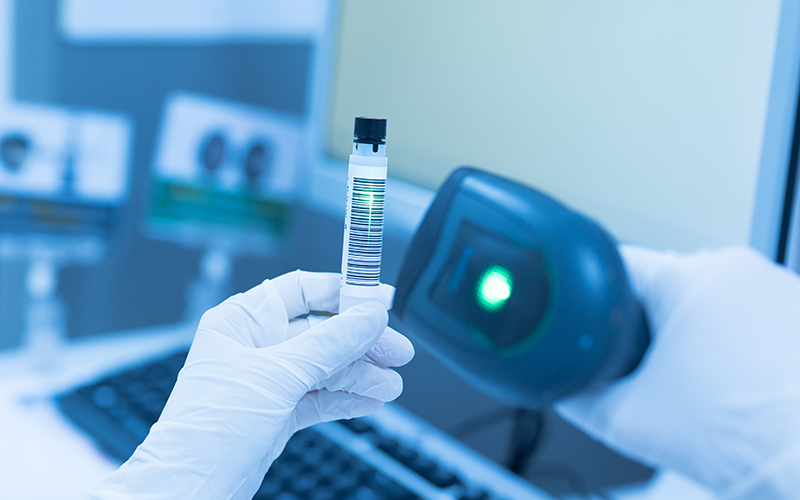
- Support barcoding and unique, human-readable sample ID creation
- Retain records of the complete life-cycle of each sample.
- Easily manage freezers and sample storage
Click here to learn about Sample Manager and take a product tour!